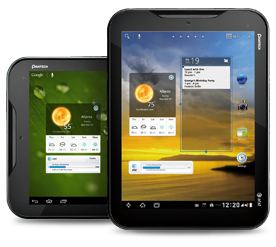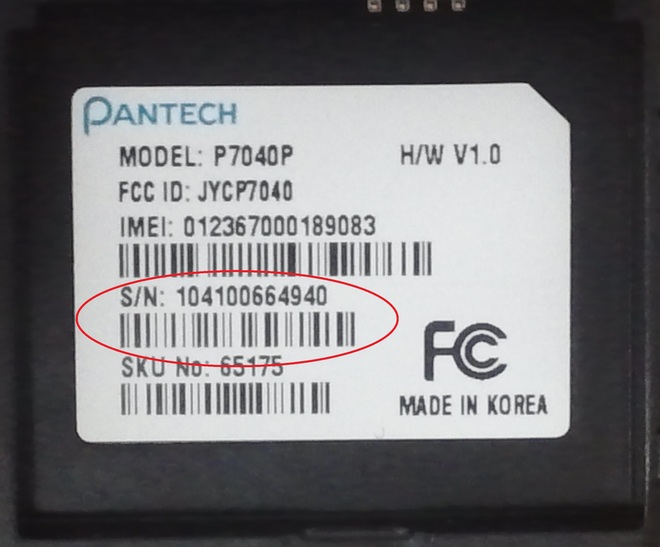
To find the Serial Number (S/N), remove the battery cover of your Pantech Mobile device and lift the battery. The Serial Number will be found on a sticker inside the battery well and will be marked as "S/N". (For tablets, the Serial Number can be found on a sticker on the back of the device.)